

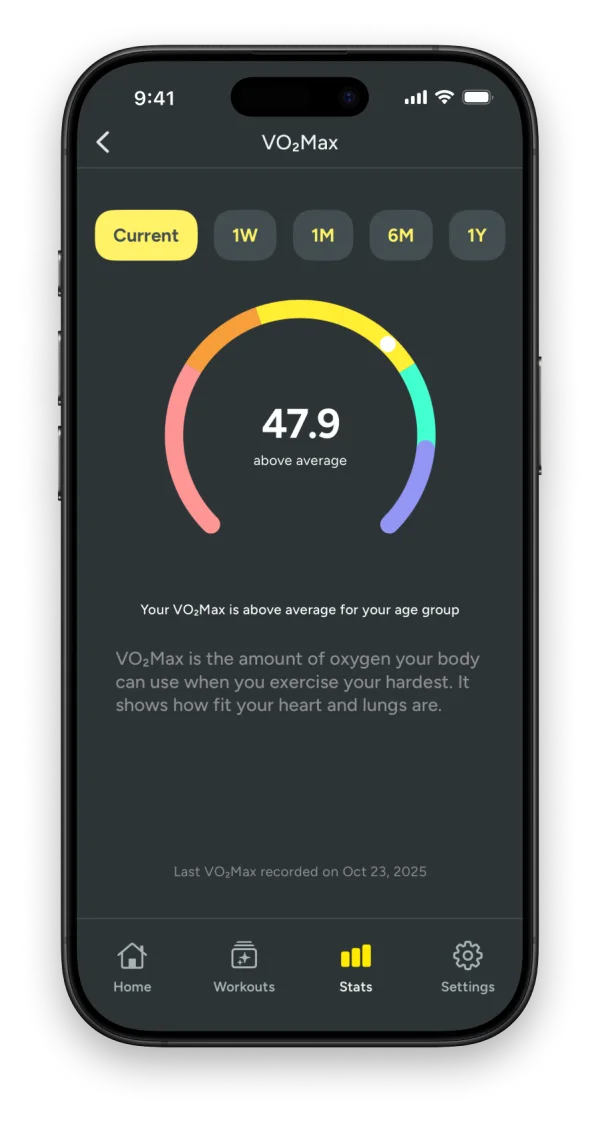
What VO2 max is
VO2 max is the most oxygen your body can use during hard exercise. It is the best single number for aerobic fitness: it rises when endurance training is working and falls when you stop.
Where the number comes from
Your Apple Watch estimates VO2 max from your pace and heart rate during outdoor walks, runs and hikes, and saves it in Apple Health. Kiiro reads those values directly. It does not replace them with its own.
What Kiiro adds
- The trend, not just today's value. One reading means little; the direction over months means a lot.
- Resting heart rate and HRV trends beside it, the other two signals of how your body is adapting.
- Running form: cadence, ground contact time and vertical oscillation from the same workouts.
- Context: see the training behind a change through your training load.
How to read it
Expect VO2 max to move slowly. A steady rise over a training block means the work is paying off. A flat line during a heavy block can simply mean fatigue is masking fitness. A drop after time off is normal and comes back faster than it was built.
No new values for a while? See why VO2 max stops updating on Apple Watch.